
How to Find Research Papers Relevant to Your Project
A literature search answers once. Describe your project in one paragraph and relevant research papers keep finding you: what to write and what to leave out.
You've just signed up. There's one big empty box on the screen and a question above it:
What are you working on?
You type the first thing that comes to mind. "LLMs for customer support." You press Save.
A week later the papers are... fine. About the right field. Rarely about your actual problem.
The tool isn't broken. It's doing exactly what you asked. You just asked for a field, and you're working on a problem.
The fastest way to find research papers relevant to your project isn't a cleverer search. It's a better description of the project.
This one paragraph decides every recommendation
In iReading Room, that box is the most important thing you'll ever fill in.
Every new paper in your arXiv categories is scored against it. Which papers turn green, which ones you never see, and what the Summary shows you each day: all of it starts from this paragraph.
So it's worth ten minutes to get it right. This post is those ten minutes.
A literature search answers once. A description keeps answering.
If you've ever done a literature search, you know the routine. You pick keywords, search Google Scholar or arXiv, follow the citations, and come out with a reading list. It's the right tool when you start something new.
But it answers the question once, on the day you ask it.
A project description is a standing search. Every day, new papers are read against it, and the ones that touch your problem come to you. You write it once and it keeps working while you're busy building.
That's also why it's worth writing better than a search query. A query can be three words because you're there to refine it. A description runs on its own.
What happens to your description
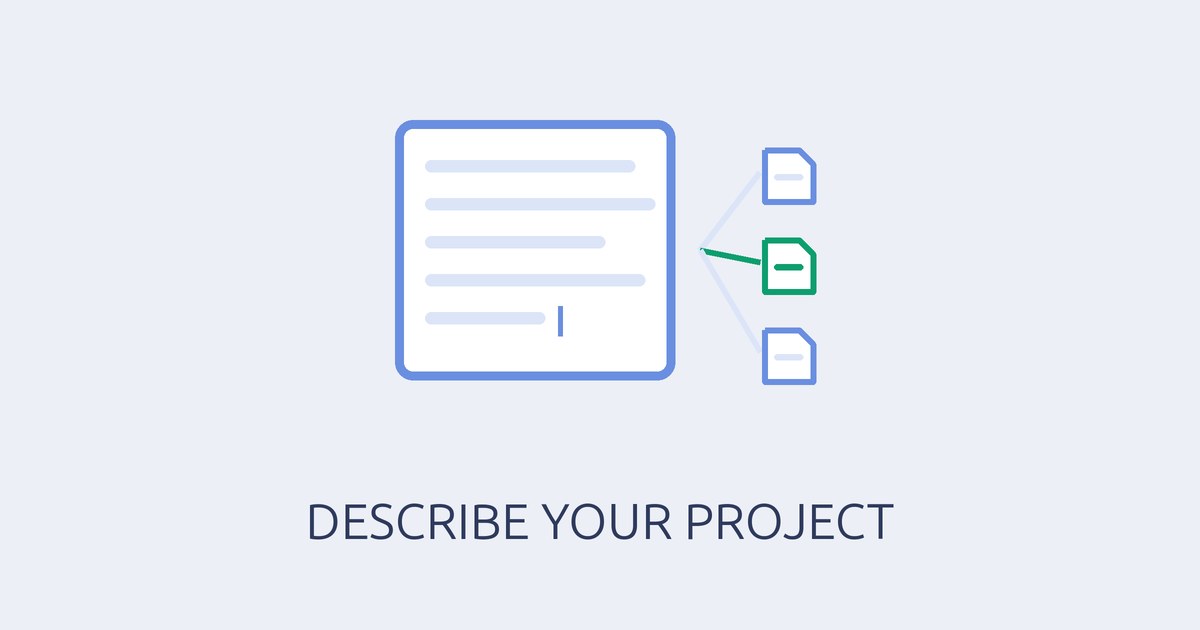
When you save, iReading Room reads your paragraph and splits it into separate research topics, usually somewhere between a handful and a dozen for a detailed description.
Each topic is one distinct problem, rewritten in the terms researchers use in their papers. So you can write in plain words. You don't need to know what the field calls your problem; working that out is the system's job.
From there, every new paper goes through several stages before it reaches you:
- It's read for meaning, not matched on words. A paper that calls your problem something else still finds its way to you.
- It's measured against each of your topics on its own, so a paper that nails one part of your work isn't buried because it ignores the rest.
- It's ranked against everything else you've received lately, so a top score means it stands out in your field this week, not just that it's on topic.
- The strongest candidates get a second, closer review by an AI model that weighs each paper against your topics before it's marked as recommended. That reviewer has to keep agreeing with human judgement in our quality checks before it's allowed to change what you see.
- Recommended papers are summarised from the full paper where arXiv publishes it, and every fact on the card is checked word for word against the paper's own sentences.
Each stage is there because the one before it misses something. Keywords miss a different name for the same problem. One overall score misses the paper that solves exactly one of your problems. Similarity alone misses the paper that sounds right and isn't.
That's the work you'd otherwise do by hand, for hundreds of papers, every day.
You'll see those topics later, in your own Floodgate. When you open a paper, the box called Why you're seeing this names the topic it matched under Your topics it matches.
Two things follow from this:
- Topics can only come from what you wrote. If you don't mention a problem, nothing will be watching for it.
- Vague words make vague topics. "AI" or "LLMs" alone matches thousands of papers a week, so none of them stands out.
A weak description and a strong one
Here's the weak one again:
"LLMs for customer support."
It names a field and a domain. It doesn't say what's hard, what you've tried, or what would count as progress. At best it becomes one broad topic, and every paper that mentions a chatbot looks equally relevant.
Here's the same team, ten minutes later:
"We build a support assistant for online shops. It answers from the shop's help pages and order data using retrieval-augmented generation. Our biggest problem is that it answers confidently when the retrieved documents don't actually cover the question; we want it to notice that and say so. Second, our costs grow with traffic, so we're looking at sending easy questions to a small model and only hard ones to a large one. We also need to measure answer quality automatically, because we can't review conversations by hand anymore. Most customers write in German and English."
From the second one, you'd expect topics along these lines:
- detecting when retrieved documents can't answer the question
- abstention and confidence for retrieval-augmented assistants
- routing queries between small and large language models to cut cost
- automatic evaluation of answer quality in customer support
- multilingual retrieval for German and English support questions
(An illustration of the kind of topics it produces, not the exact output.)
Same team, same field. The first description asks for a field. The second one describes four problems, and each of them gets watched on its own.
What a strong project description includes
You don't need all of these. But the strong example above has every one, and that's not an accident.
- What you're building, and for whom. "A support assistant for online shops", not "an AI product". The domain keeps you from getting the medical or legal version of your problem.
- The problem you're stuck on, in a sentence of its own. This is the one that matters most. Say what goes wrong, the way you'd say it to a colleague.
- How you do it today. The method or setup you use: retrieval, fine-tuning, a small model on a device. Papers about your setup are the easiest ones to put to use.
- Your constraint. Cost, latency, privacy, memory, languages, a small team. Constraints decide which papers are useful to you and which are only interesting.
- Each separate problem as its own sentence. Different problems become different topics. Pack three into one sentence and they blur into one.
The app's own hint says it best: the more concretely you describe it, methods and not just the field, the sharper the ranking.
What to leave out
- Buzzwords and marketing. "Next-generation AI-powered platform" describes nothing a paper could be about.
- Lists of keywords. The point is to escape keyword lists. Write sentences; they carry the relationships between words that a list loses.
- Long lists of what you're not looking for. Ranking works by closeness, so a sentence about benchmarks, even one that says "not", still talks about benchmarks. Spend those words on what you do want.
- Anything you'd rather not write down. You don't need customer names, revenue or internal code names. The problem is enough.
Your project description is private. The privacy page says exactly where it goes and why.
Check it against your first week
After saving, the Settings page shows Processing your description into research interests. That can take a few minutes, and papers keep being ranked as before in the meantime. Then it switches to Active — new articles are scored as they arrive.
Give it a few deliveries, then open your green papers and read Your topics it matches. That line tells you how your description was understood.
- Right field, wrong problem? The problem sentence is missing or too general. Rewrite it the way you'd explain it to a new hire.
- Everything is about one part of your work? That's the part you described best. Give the others a sentence each.
- Papers from the wrong domain? Say who it's for: online shops, hospitals, factories, developers.
- A topic you don't care about anymore? Delete its sentence. Old problems in the description keep pulling old papers.
When your project moves, move the paragraph
Projects change. The problem you solved last month shouldn't keep filling your list.
When you edit and save the description, iReading Room offers to re-rank your latest articles with the new one. Say yes and recent deliveries are scored again; say no and only new papers use it.
There's also Use my Library. Turn it on and the papers you've saved count as examples of what you're looking for, so the ranking sharpens as you use it. The description says where you're going. Your Library shows what you've found useful on the way.
Rereading the paragraph once a month is plenty. If it still sounds like the meeting you had last week, it's doing its job.
Write it like you'd brief a colleague
Imagine a sharp colleague who reads every new paper in your field each morning, and who's never seen your product.
What would you tell them in two minutes so they know which papers to bring you?
That's your project description. Not keywords, not a pitch. A brief.
Write the paragraph once. Let the right papers find you.