
iReading Room · Floodgate
You can’t read 171 papers a day.
You don’t have to.
Floodgate scores every new paper in your feeds against the project you are working on, and opens with the ones that earned the top of the list.
One morning, three moves
- Open today’s deliveryEvery subject you follow arrives as one dated batch, counted, waiting. Nothing pinged you.
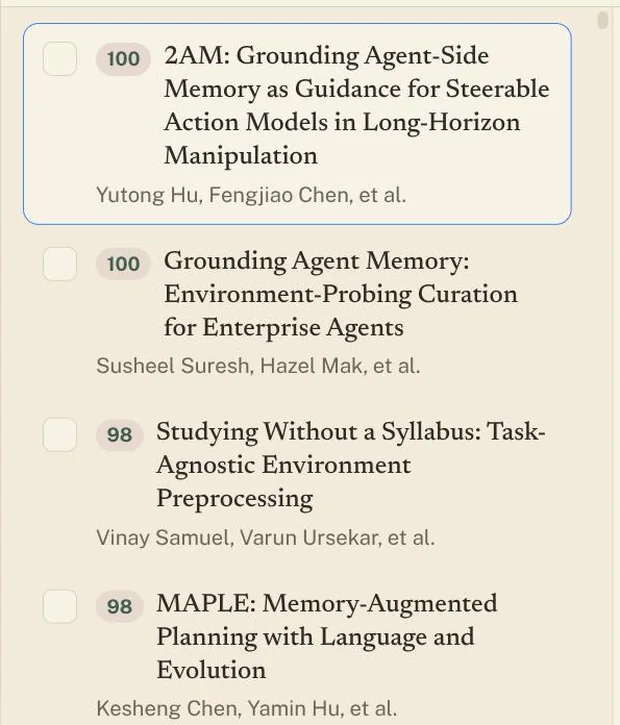
- Read from the top downScored 0–100 against your project. The abstract and the full paper open beside the list.
- Keep a handful, bin the restTick and send them to your Library as PDFs. What you leave never reaches it.
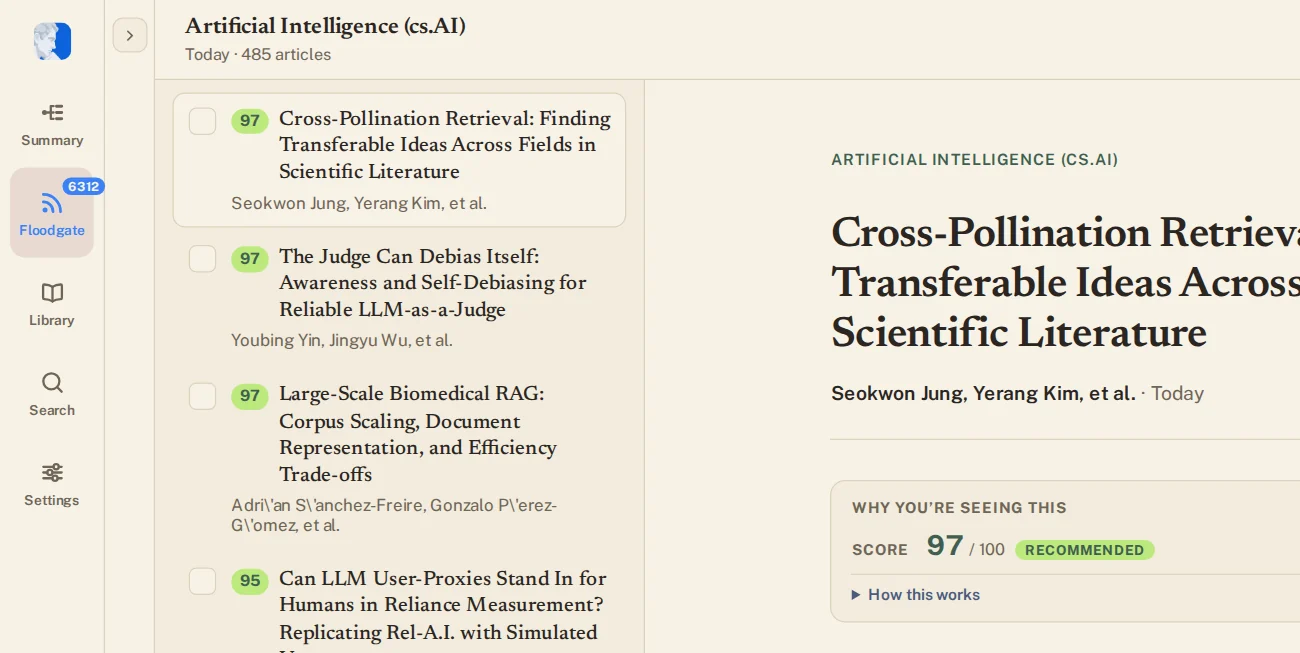
The score is the sort. Highest first, every morning, without a keyword list to maintain.
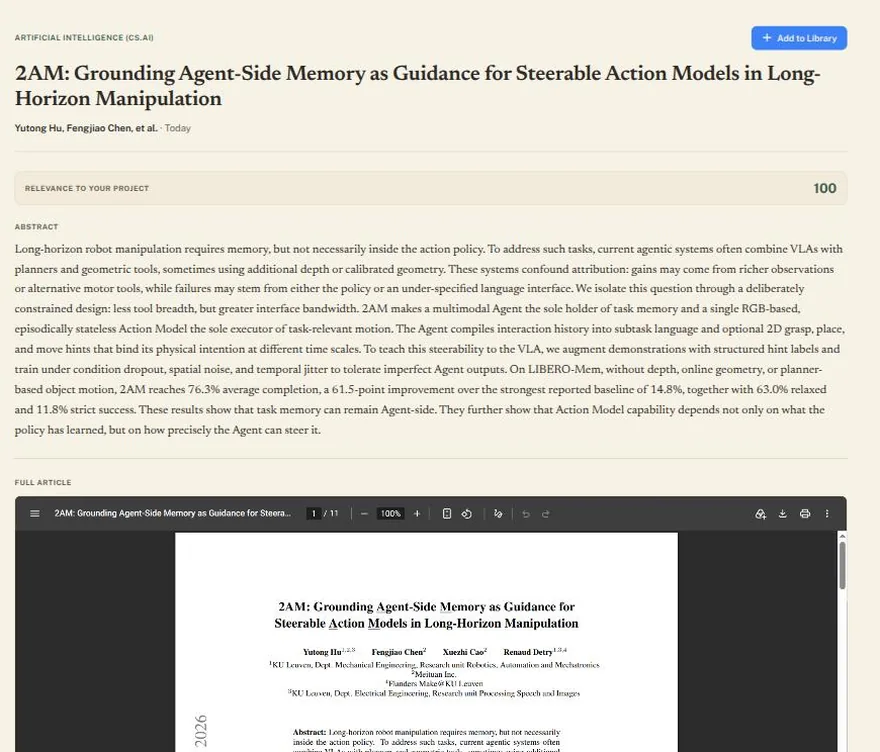
The paper is right there. Abstract, then the full text, in the pane beside the list.
Keeping is one click. Add to Library files it as a PDF that is yours to annotate.
Your project descriptions and context are private.
One click
A minute to know whether it deserves an hour
Click a title and the paper opens beside the list — its score, its authors, the abstract, and the full text underneath. Everything the decision needs, in one pane, without opening a tab.
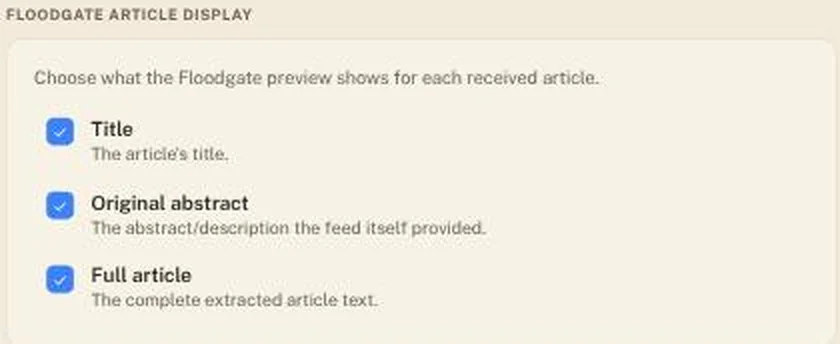
You choose what a card shows
Title, original abstract, full article: turn each on or off in Settings, and every preview in every delivery follows.
It sharpens as you use it
Switch on Use my Library and the papers you kept count as examples of what you are looking for — so next week’s ranking knows more than this week’s.
