
iReading Room · Library
Your whole shelf, in one screen
Search, shelves, sorting and every note you wrote — no folders to maintain.
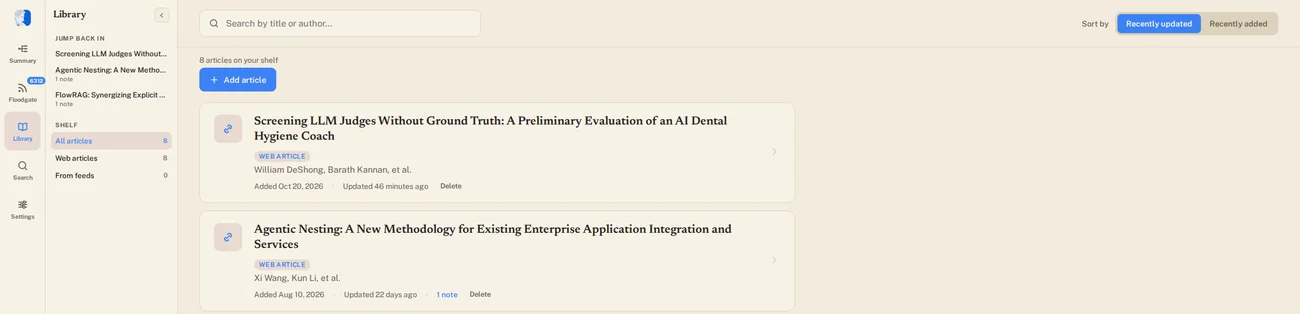
- Search as you typeTitle or author, across everything you have kept.
- Sorted by what you touched lastOr by what you added last. One click between them.
- Jump back inThe three papers you had open last, always on top.
- Shelves that count themselvesEverything, the links you saved, or the papers you kept from feeds.
- Add by linkPaste a URL — a permanent PDF lands on the shelf.
- Notes, counted on the cardSee what a paper already carries before you open it.
From a link, to the shelf, to six months later
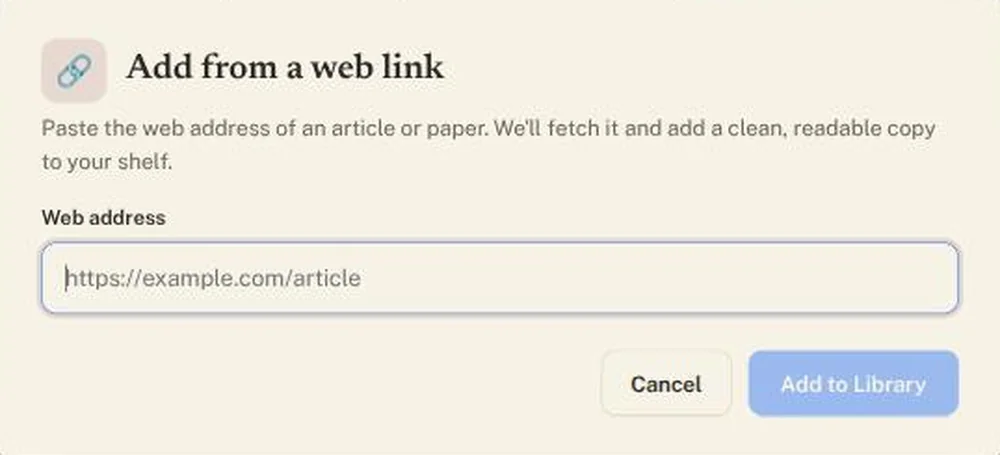
arXiv returns its official PDF; every other page is printed to one.

Select a passage, write the thought. The note anchors to those words.
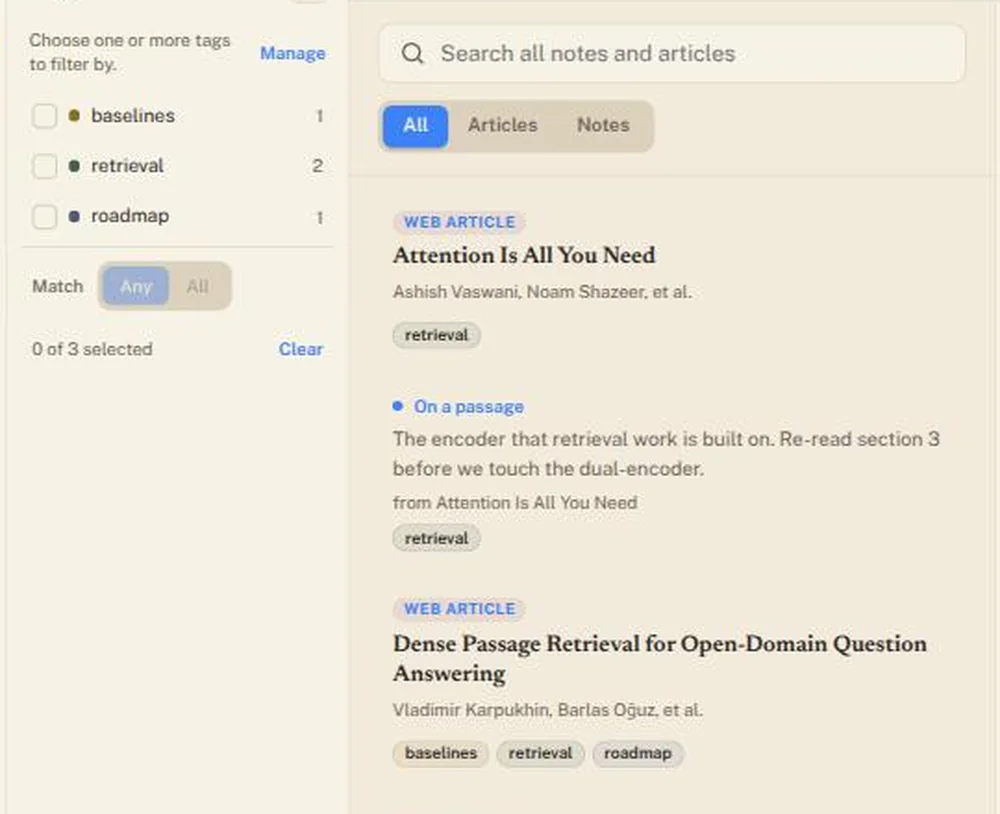
One tag brings back the paper and the note — any of your tags, or all.