
How to Run a Weekly Research Reading Group for an Engineering Team
Most engineering reading groups fade by week six. Run a journal club for software engineers that lasts: a weekly paper map as the agenda, short cards as the pre-read.
Week one, nine people turn up. Someone brought snacks. The paper is a famous one, everyone has heard of it, and the discussion runs over time.
Week three, the host spends Sunday evening scrolling arXiv for something worth everyone's hour. Five people come. Two have read the paper.
Week six, it's three people and a PDF nobody finished. The calendar invite quietly stops.
And a few months later, someone opens a paper on their own and finds the method your team spent a quarter building. Published. With code. Back when you started.
Why engineering reading groups fade out
It's almost never a lack of interest. Engineers like learning, and most teams know they should be reading more research.
A reading group dies because three jobs have no owner:
- Picking the paper. Hundreds of new papers land every day. Choosing one that matters to this team takes hours, and it falls on the same person every week.
- Doing the reading. A forty-page PDF is a big ask for a Wednesday night. So people skim the abstract, or don't come.
- Getting something out of it. If the hour ends with "interesting paper", it feels like homework, not work. Homework is the first thing to go in a busy sprint.
Fix those three, and a reading group stops depending on one enthusiastic person.
A journal club for software engineers is not an academic journal club
The format comes from academia. In a classic journal club, one person presents one paper in depth, and the group critiques its methods. Its goal is to train researchers to judge research.
An engineering team has a different goal. You're not there to review the paper. You're there to decide whether it changes what you build.
So keep the habit, and change three things:
- Several short papers instead of one long one. Breadth beats depth when the question is "what should we know about?"
- Recent papers instead of famous ones. The classics are already in your stack. The paper from last Tuesday isn't, and nobody else has read it yet.
- A decision for every paper. The output is a short list of what to try, not a good discussion.
The format: 45 minutes, three papers, one decision each
Here's the whole weekly research reading group, before we go through each part:
- Monday: the host picks two or three papers from the week's paper map
- Monday: the host sends each paper's card to the group as the pre-read
- Thursday: a 45-minute meeting, one presenter per paper
- After: each paper gets a decision, and the keepers go into the library
Three roles keep it light. A host who picks the papers, rotating every week or two. A presenter for each paper, the only person who reads it in full. And a note-taker who writes down the decisions.
Step 1: Let the week's paper map set the agenda
This is the job that kills most reading groups, so it's the one to take off the host's plate.
In iReading Room, you describe in plain words what your team is building and what it's stuck on. Every day, the new arXiv papers in your categories are read against that description, and the ones that stand out are marked as recommended.
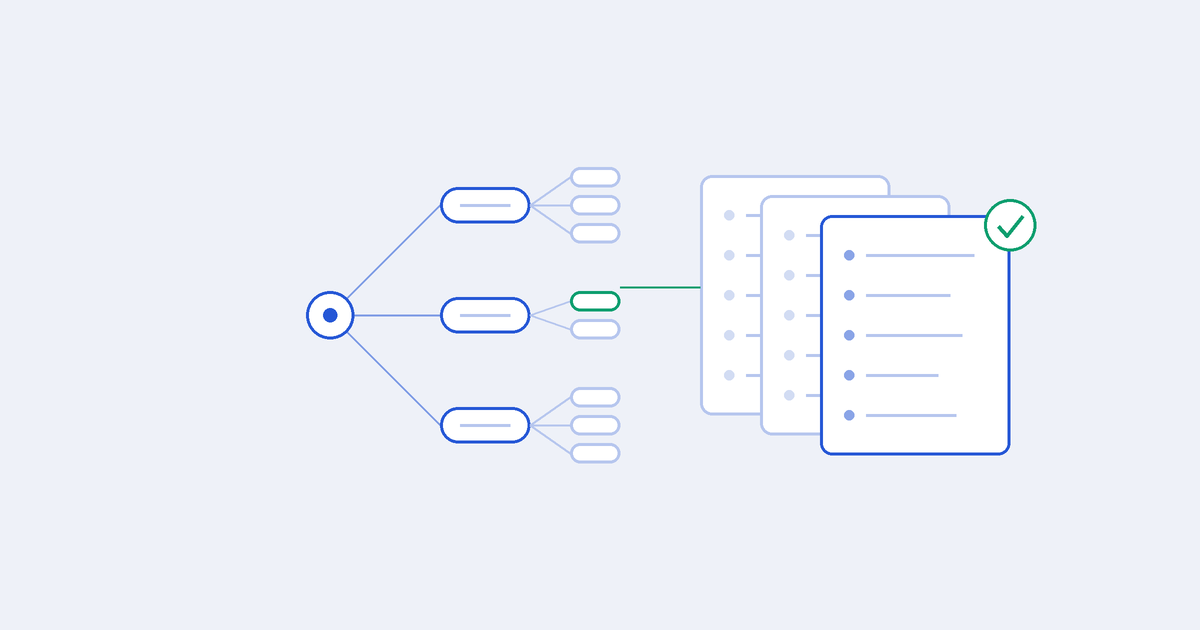
The Summary page turns those recommended papers into a map. There's one tab for each day papers arrived in the last week, so on Monday morning the host can see the whole previous week at a glance.
On each day's map, papers are grouped under your own topics: the research topics iReading Room drew out of your team's description. When a topic gets a lot of papers on one day, they're split into smaller groups, so you can see which part of the problem everyone is working on.
Each paper also carries a label:
- Method: it proposes a new technique, model or system
- Test: it measures things, with a new benchmark, a new metric, an analysis of existing methods or a survey
That makes picking the agenda a five-minute job. A good mix for one meeting:
- One Method that touches what you're building right now. The paper most likely to change your next sprint.
- One paper from the busiest topic. If ten groups attacked the same problem this week, the field is moving there, and your team should know.
- One Test, now and then. A new benchmark can change how you measure your own system, and that's often worth more than a new trick.
The map is also useful for what it doesn't show. A quiet topic is good news: nothing this week needs your attention there.
Step 2: Send the cards as the pre-read
Nobody will read three full papers before Thursday. They will read three cards.
Every recommended paper on the map has a card. Hover over a paper, or tap it on a phone, and it opens. It holds five facts:
- Problem: what the paper tackles
- Main idea: what the authors did about it
- Data: what they tested it on
- Key result: what they found
- Limits: where it falls short
Each fact names the section of the paper it came from, and its quote is checked word for word against the paper's own sentences. If a fact isn't in the paper, the card says so instead of guessing. When arXiv publishes the full paper, the card is built from it; when it doesn't, the card says it was made from the abstract only.
Five facts take two minutes to read. For three papers, that's a pre-read people actually do.
The host's Monday message can be this short:
"Thursday's reading group: three papers from last week's map. Cards below, two minutes each. Come with one question: would this work on our data?"
Only the presenter reads the whole paper. If they're new to that, we wrote a guide to reading a research paper as a developer: read it like a pull request, results and limits before the method.
Step 3: Run the meeting like a design review
Forty-five minutes, no slides. Share the Summary page, open each paper's card, and go:
- Five minutes: the map. The host shows last week's topics: where papers piled up, what was quiet, anything surprising.
- Ten minutes per paper. The presenter takes two minutes on the card, then spends the rest on what the card can't answer.
- Ten minutes: decisions. One for every paper, written down before anyone leaves.
The card already covers what the paper says, so the discussion can go straight to what matters to you:
- Does their data look like ours? A result on a clean public dataset may say little about your users, your logs or your language.
- What did they compare against? If the baseline isn't what you run today, the gain might not be yours.
- What does the Limits line break for us? This is often the most useful sentence on the card.
- Where would it go? Which service, which step, which file. If nobody can say, it's not ready to try.
Keep it moving. A paper that needs an hour of discussion has earned a follow-up, not the rest of the meeting.
Step 4: End every paper with a decision
Three outcomes, nothing in between:
- Not for us. Most papers. That's the system working, and it's still useful: you know you've seen it.
- Not yet. Interesting, but blocked by something: data you don't have, a scale you haven't reached. Say what would change your mind.
- Let's try it. Give it an owner and a small first step. Not "adopt the method". "Run their evaluation on 200 of our support conversations."
Then make sure the decision doesn't vanish with the meeting notes. From a paper's card, Open in Floodgate and press Add to Library. The paper is saved as a PDF in your Library, and its card comes with it as a note marked as AI-written.
Under that, add the group's own verdict as a note, on the passage that sparked it, with tags like reading-group and to-try. Three months later, when someone asks "didn't we look at this?", one search finds the paper, the card and what you decided.
If the owner works with an AI coding agent like Claude Code, Codex or Cursor, the agent can fetch the same papers and help plan the change against your own code. Setup takes five minutes; here's how to connect it.
Step 5: Keep the topics honest
The map can only be as good as the description behind it.
Once a month, the host spends ten minutes asking: does this still sound like what we're building? Papers about a problem you solved last quarter mean the description still mentions it. A new problem nobody wrote down means nobody is watching for it.
Edit the description in Settings and save. iReading Room offers to re-rank your latest papers with the new one, so next week's map already follows the change. Here's how to write a description that finds the right papers.
Teams that work on more than one product can give each its own project. On the Team plan, every project gets its own workspace owned by your company, and we write the descriptions with you on a setup call, then check in monthly to re-steer what each one watches. That monthly check-in pairs well with a weekly reading group.
Who should come
Keep it open. The best reading groups mix people who build different parts of the system.
- Engineers bring the question that matters: would this work here?
- Tech leads see what might change the plan while the plan can still change.
- Product managers hear about new capabilities before a competitor ships them.
- New hires learn where the field is going, and how the team thinks about it, in one hour a week.
Nobody needs a research background. The cards do the translating, and the discussion is about your system, which everyone already knows.
The reading group that lasts
The reading groups that last aren't the ones with the most dedicated host. They're the ones where the hard parts take five minutes.
Picking papers takes five minutes when a map already sorts the week by your work. The pre-read takes two minutes when it's a card instead of a PDF. And the hour feels like work, not homework, when every paper ends in a decision.
That's how a research reading group becomes part of how your team ships, instead of something it used to do.
Let the map set the agenda. See how iReading Room works for R&D teams.